Surveillance Cameras>>>Security & Protection
Brand Name camnsmart
Type ip camera
Supported Operating Systems Windows 7
Supported Operating Systems Windows 8
Supported Operating Systems Windows 10
High Definition 1080P(Full-HD)
Lens (mm) 3.6mm
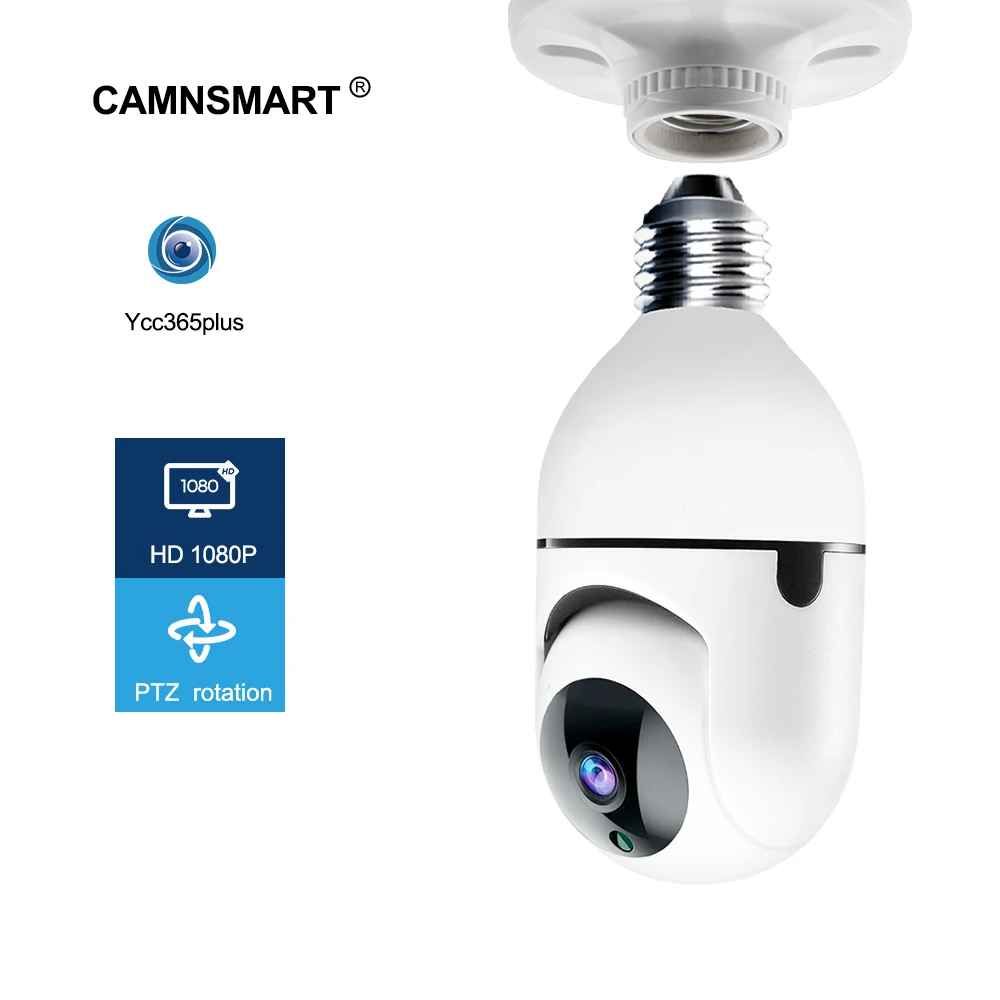
Style Mini Camera
Certification CE
Certification FCC
Certification RoHS
Connectivity WIFI
Smart home platform Other
Origin CN(Origin)
Installation Side
Wall Bracket Side
Power Consumption(W) 5w
Color white
Minimum Illumination(Lux) 0.01lux
Sensor CMOS
Megapixels 2MP
Sensor Brand SONY
Special Features Vandal-proof
Storage 128G
Alarm Action Email Photo
Alarm Action Local Alarm
Video Compression Format H.264
Video Compression Format H.265
Power Supply Normal
TF Card None
IR Distance(m) 0-20m
is_customized No
Power Supply(V) 100-240V
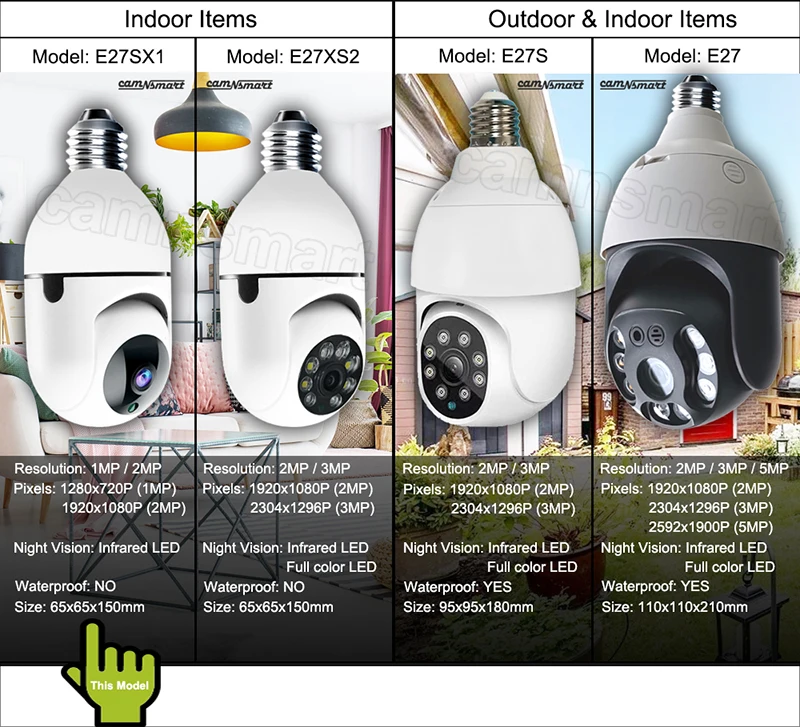
Model Number E27SX1
Viewing Angle 360°
Technology Pan Tilt Zoom
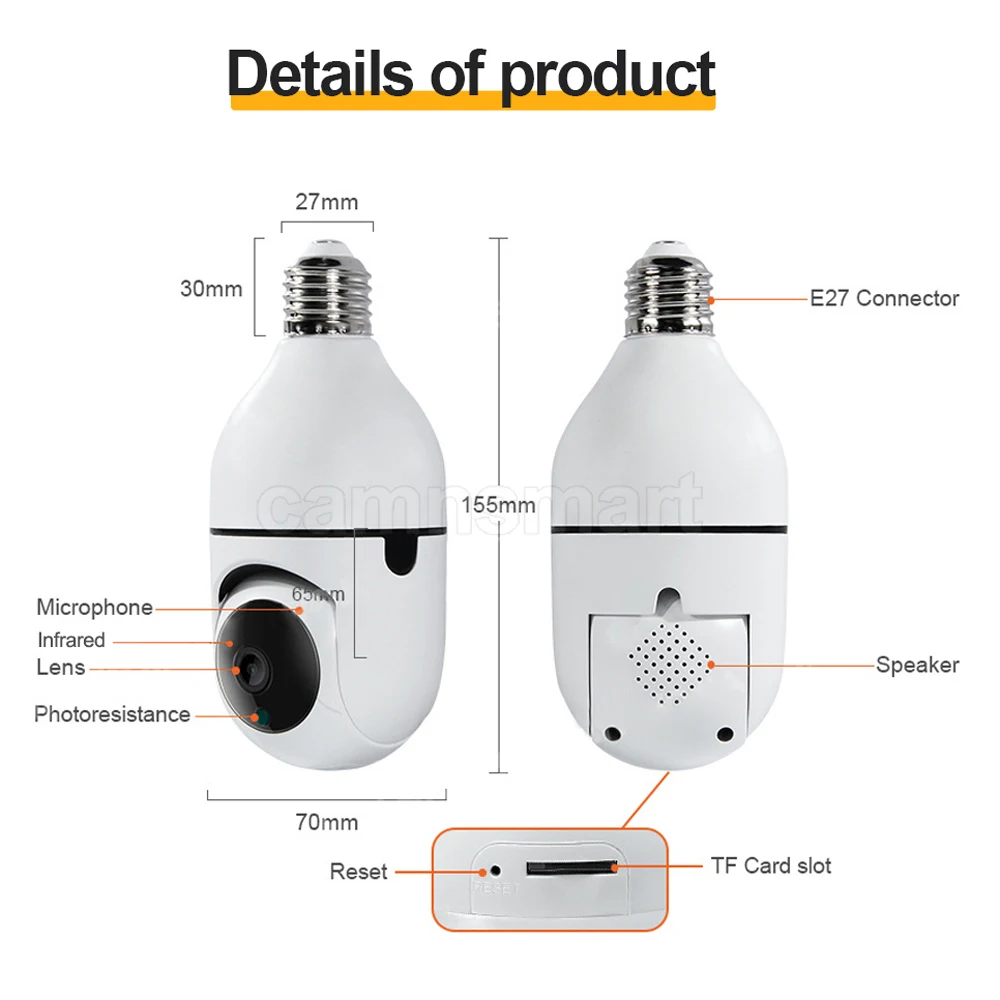
Dimensions (L x W x D)(mm) SEE PHOTO
Supported Mobile Systems Android
Supported Mobile Systems iOS
Network Interface Wi-Fi/802.11/b/g
Audio Output 1CH RCA
Warranty 1 Year
App Ycc365plus
Night Vision Infrared LED
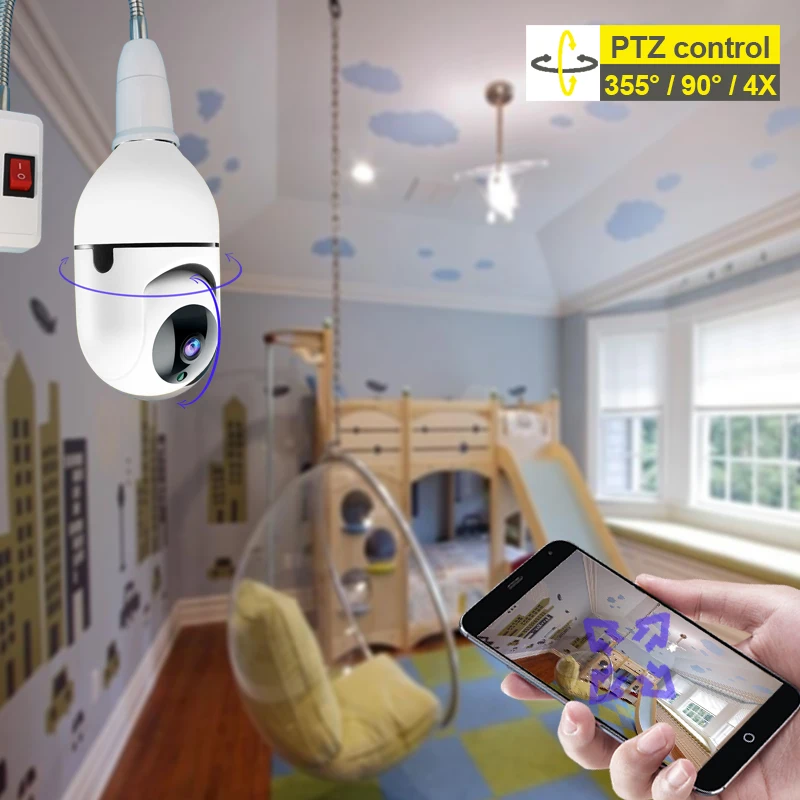
PTZ 355°/120°/4X zoom
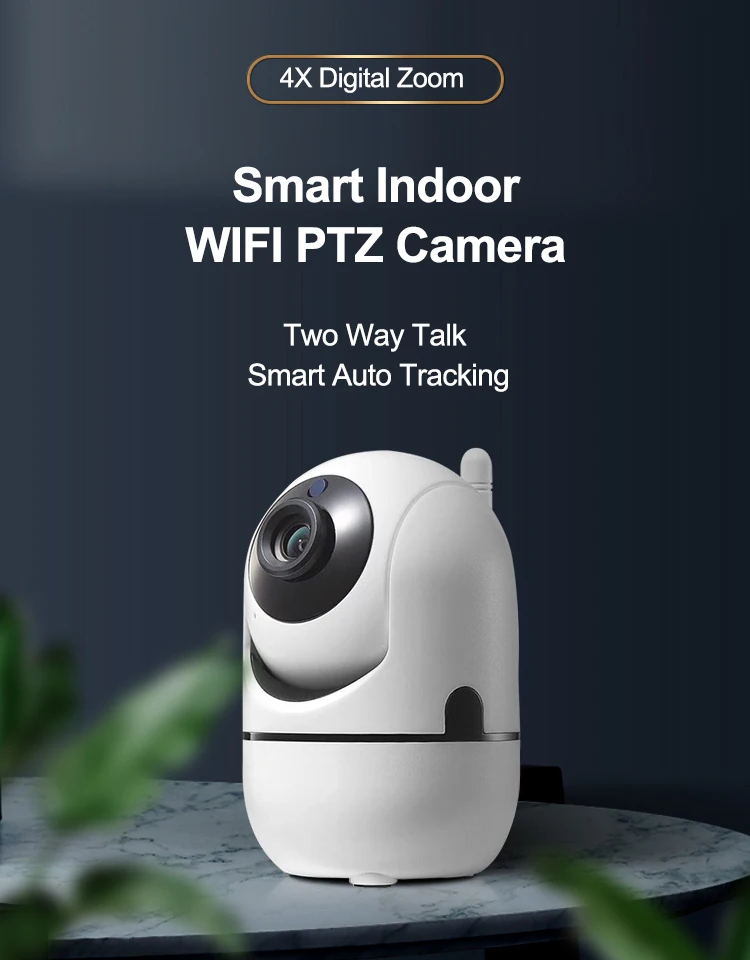
Microphone& speaker Two way talk
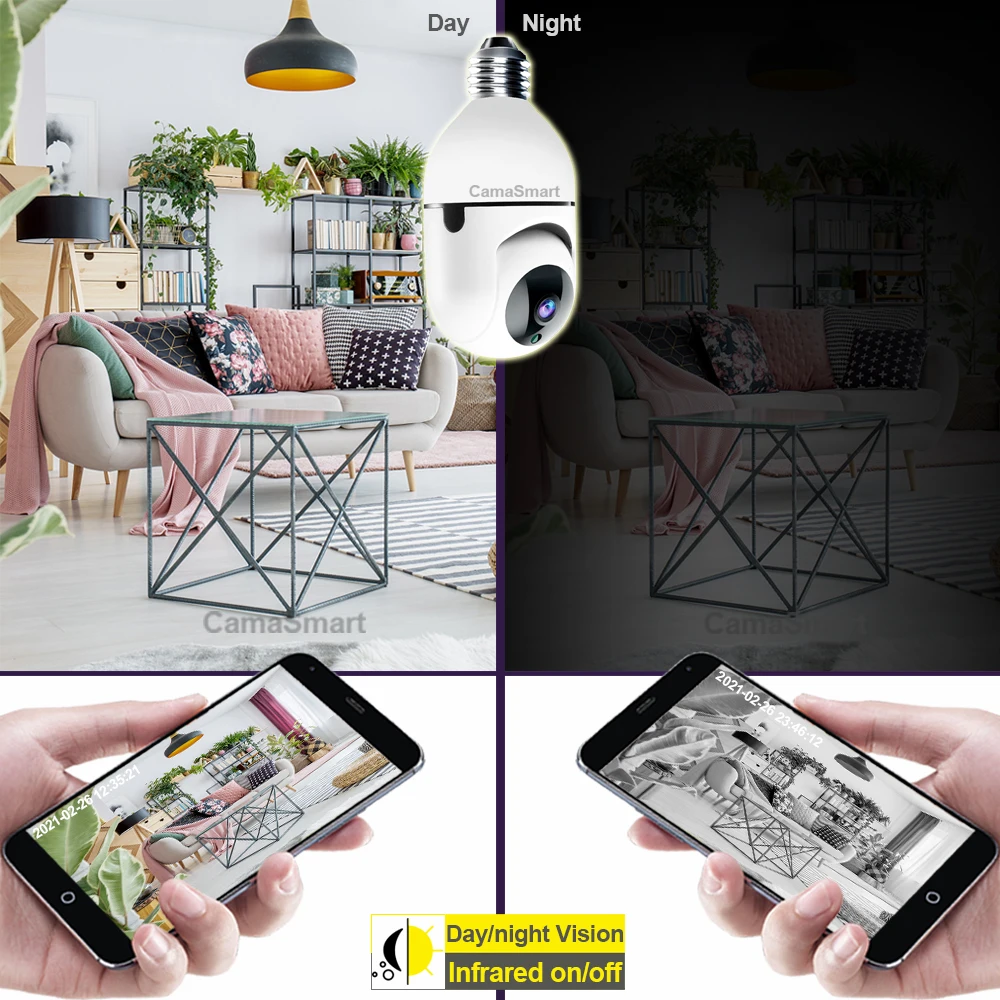
IR cut Day/Night Vision auto switch
Auto tracking Motion& Voice detection
Alarm triggered by motion& voice
Motion/Voice detection Support
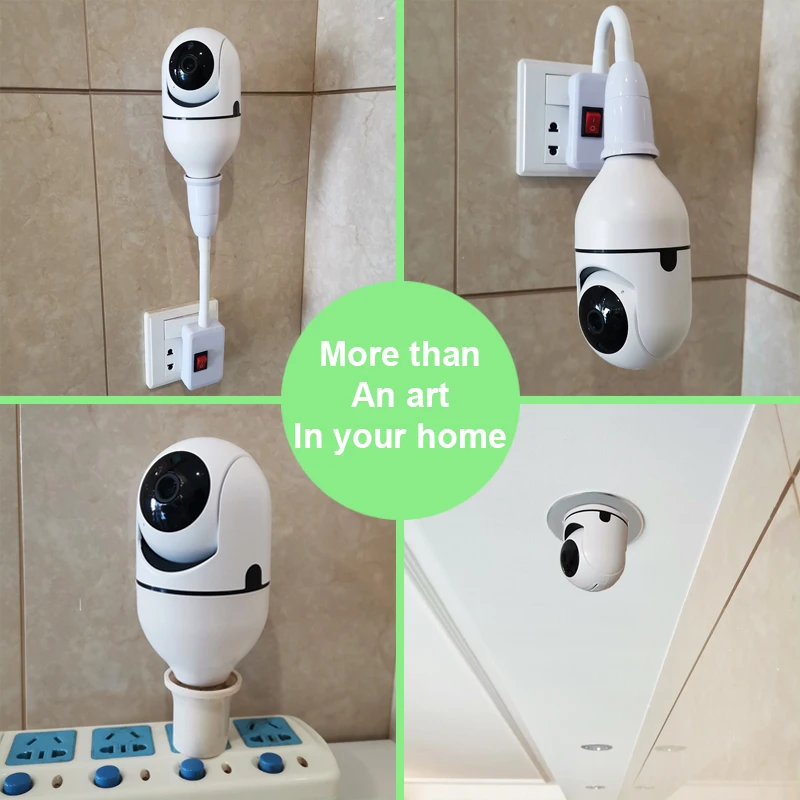
Installation Easy install with E27 bulb socket
Storage Cloud & Max 128G sd card
Sensor Size
1MP no card
1MP add 32G
1MP add 64G
1MP add 128G
2MP no card
2MP add 32G
2MP add 64G
2MP add 128G
Ships From
China
CamaSmart E27 Bulb Camera Series:
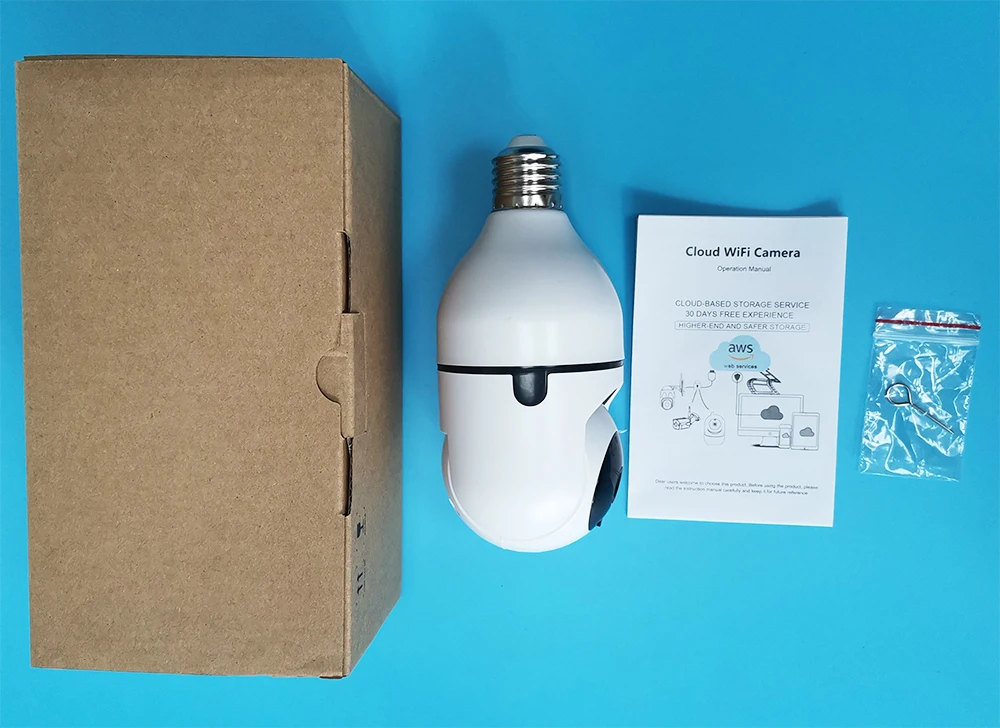
Main Features
1. Auto Tracking2. Smooth Pan and Tilt Monitoring 3. Day and Night Monitoring 4. Motion-Activated APP Alarm Push 5. Clear Two-Way Audio 6. P2P Remote Access 7. Put it Anywhere , Easy Setup 8. TF Card & Cloud Storage Options9. AP direct connection if your home wifi is not available.
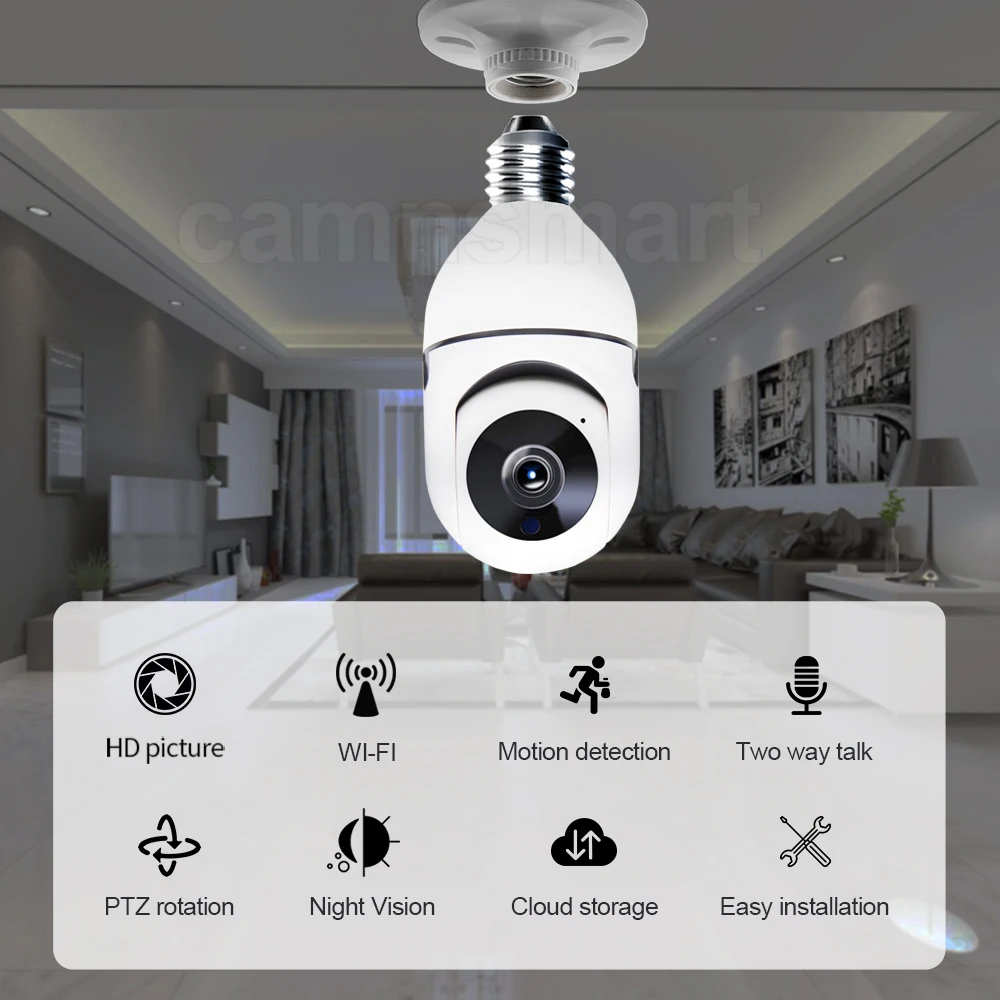
1. HD 1080P super clear lens displays a crystal clear smooth live video, you can keep an eye on your home anytime anywhere.
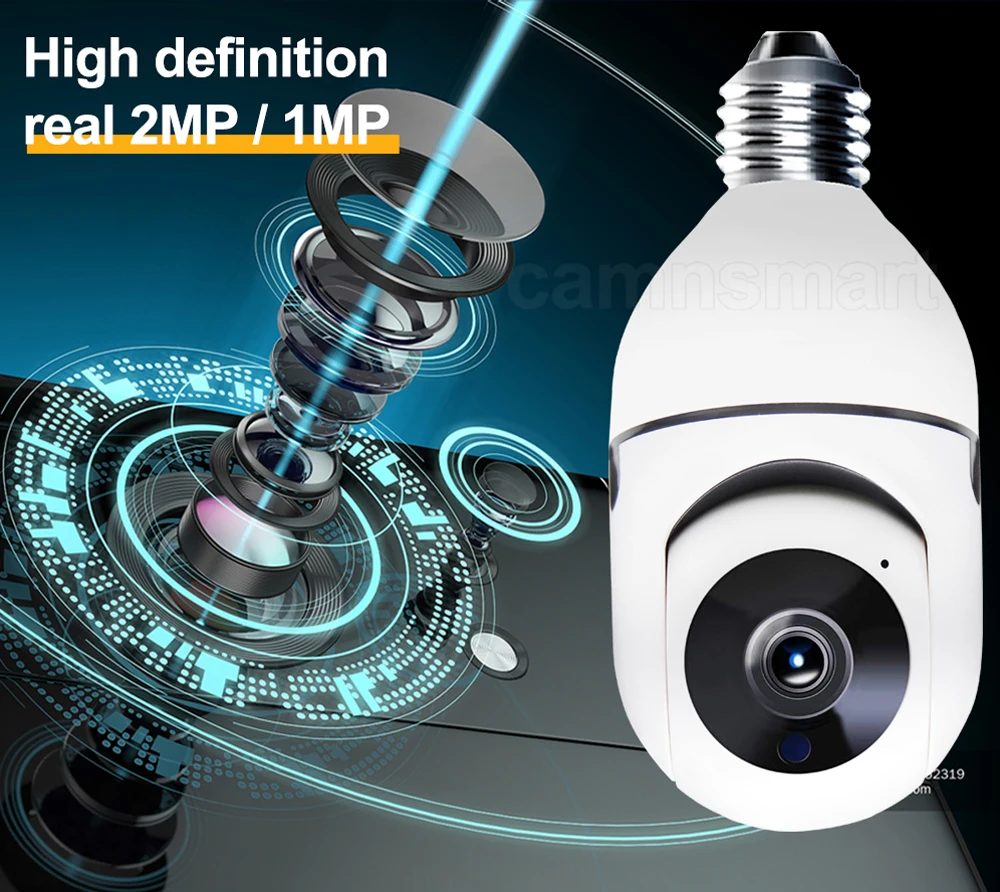
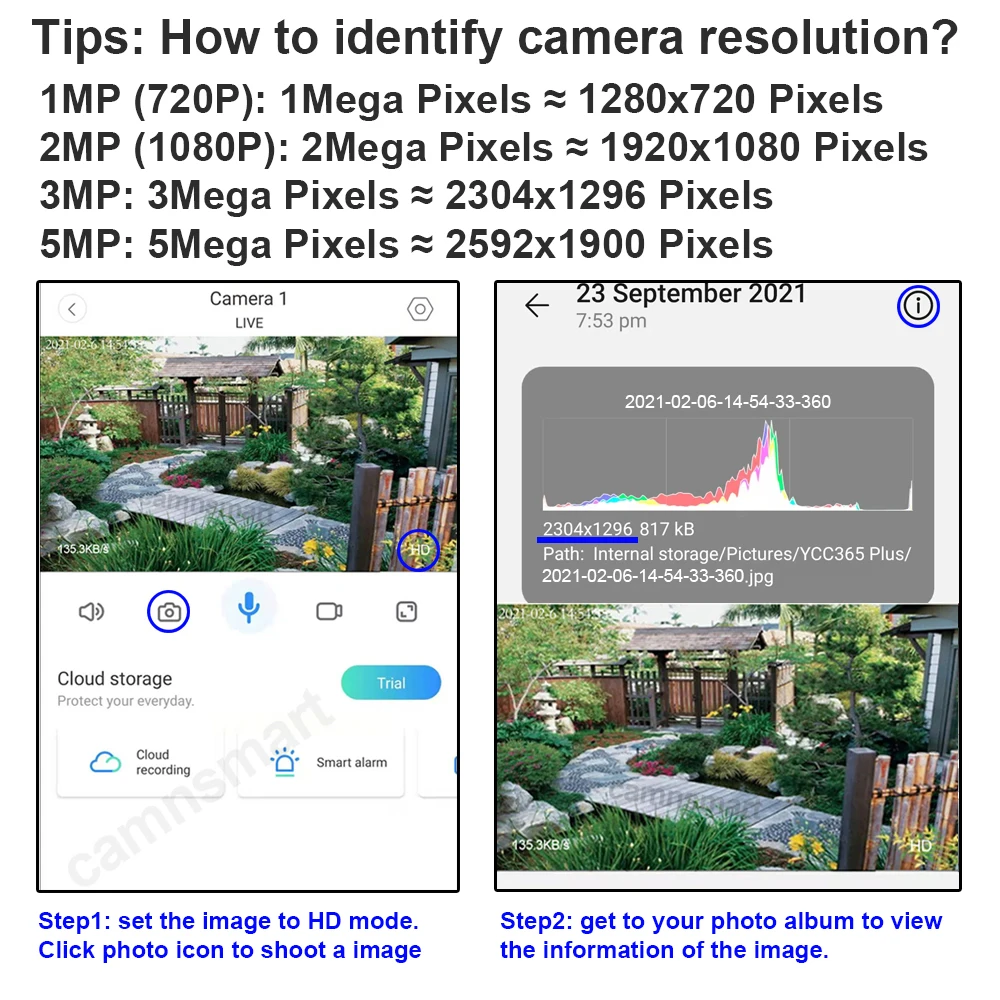
2. 360° rotation, 4X zoom, cover every corner, no blind area
355° horizontal, 90 °Vertical rotation, 4X digital zoom. Remotely control in your app. See anywhere of your house as you wish.
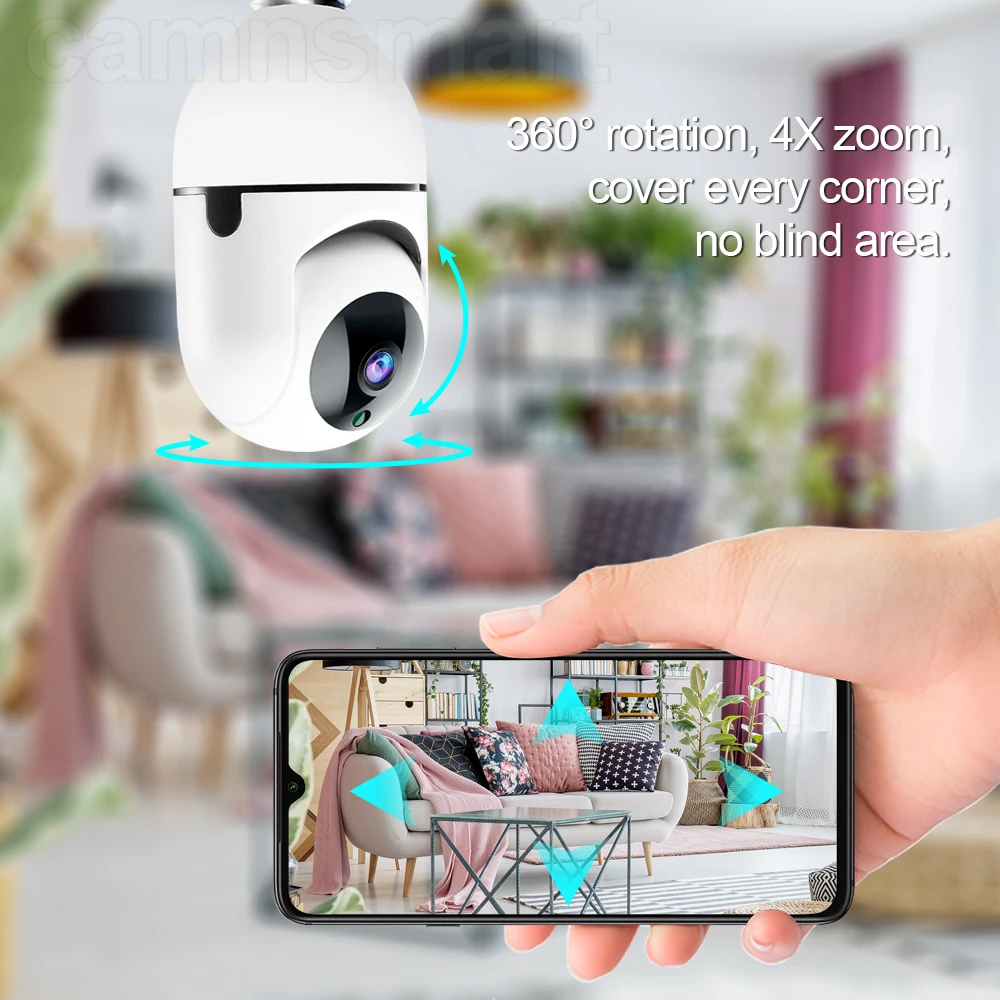
Easy control in the APP , all functions can be set in the APP.
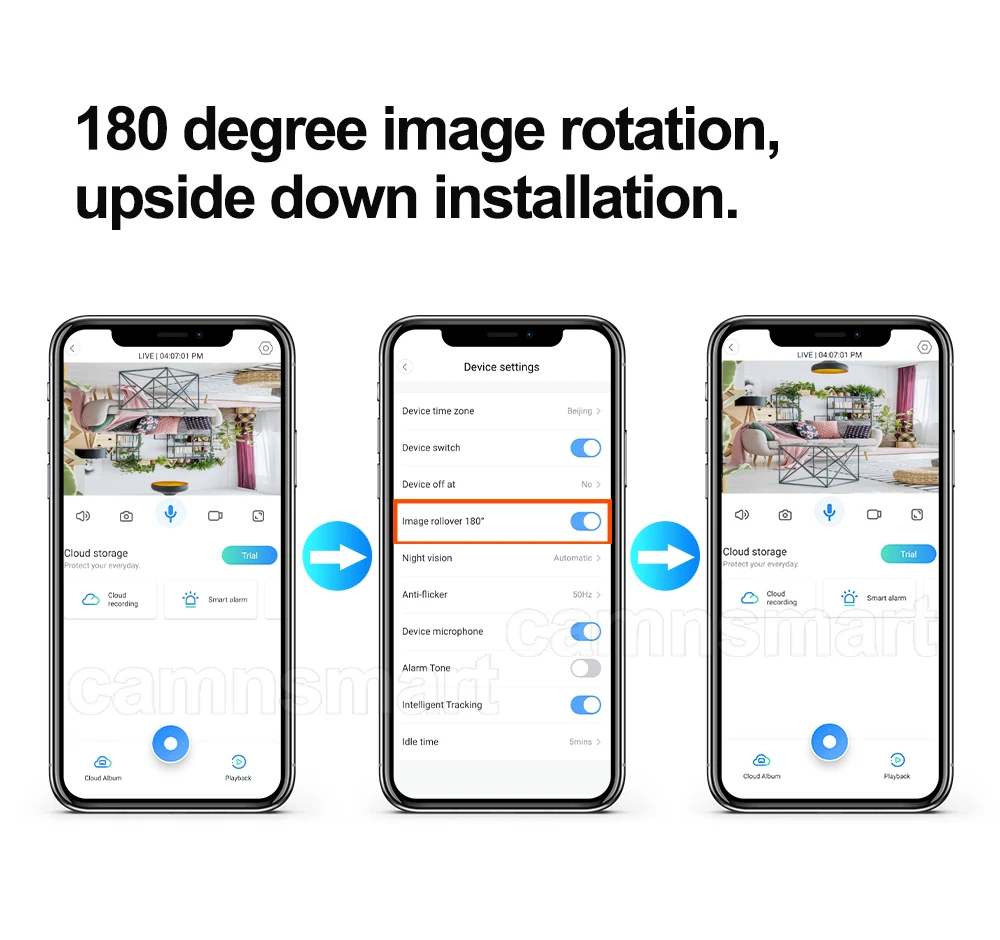
180° picture image rotation function, can set up in the APP, no worry about the upside down installation.
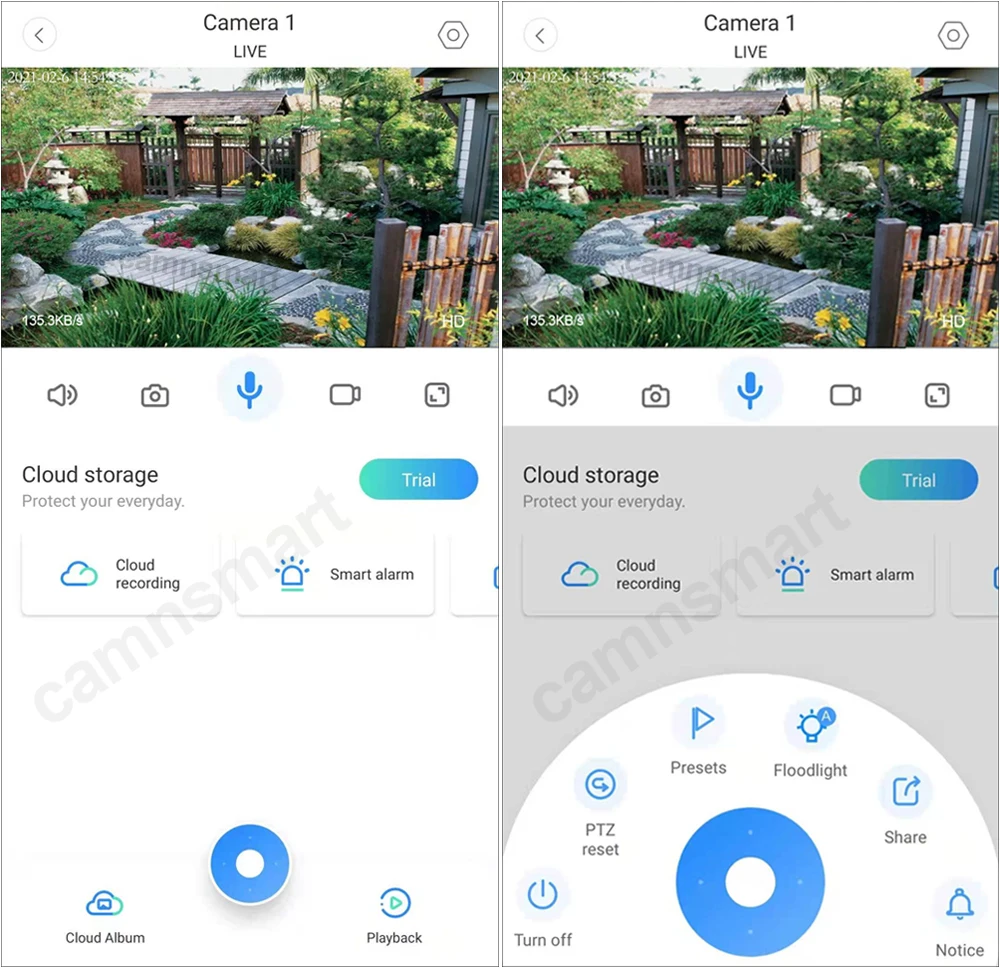
3. Clear night vision even in dark environment.
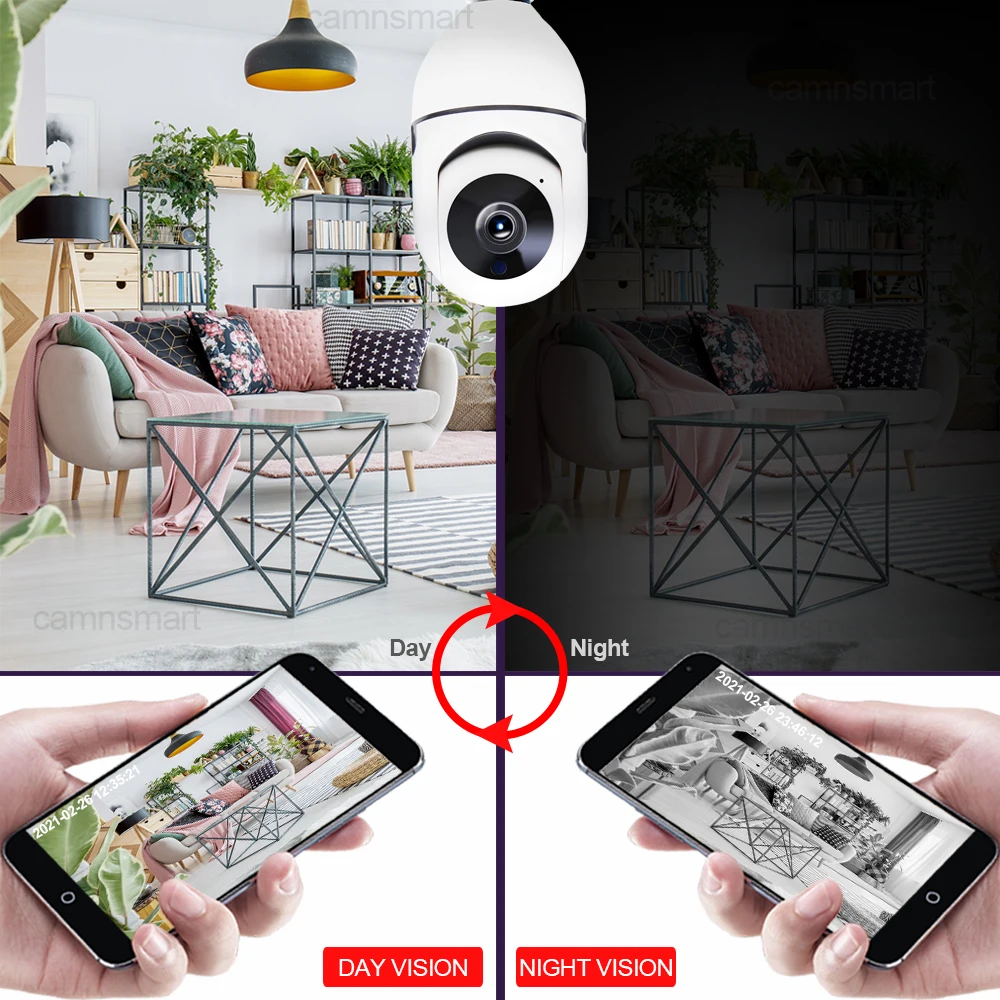
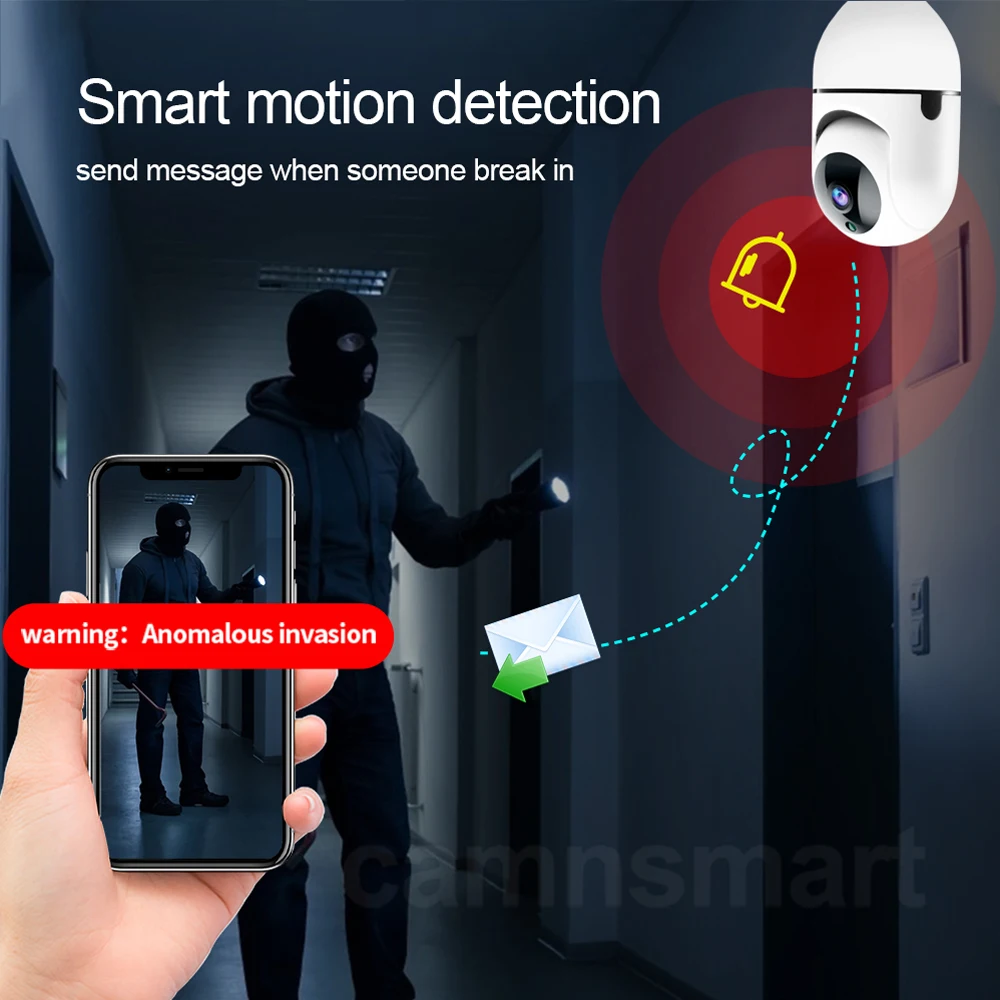
4. Smart Motion detection, alarm function will alert and it will send you an alarm message to your cellphone and your email.
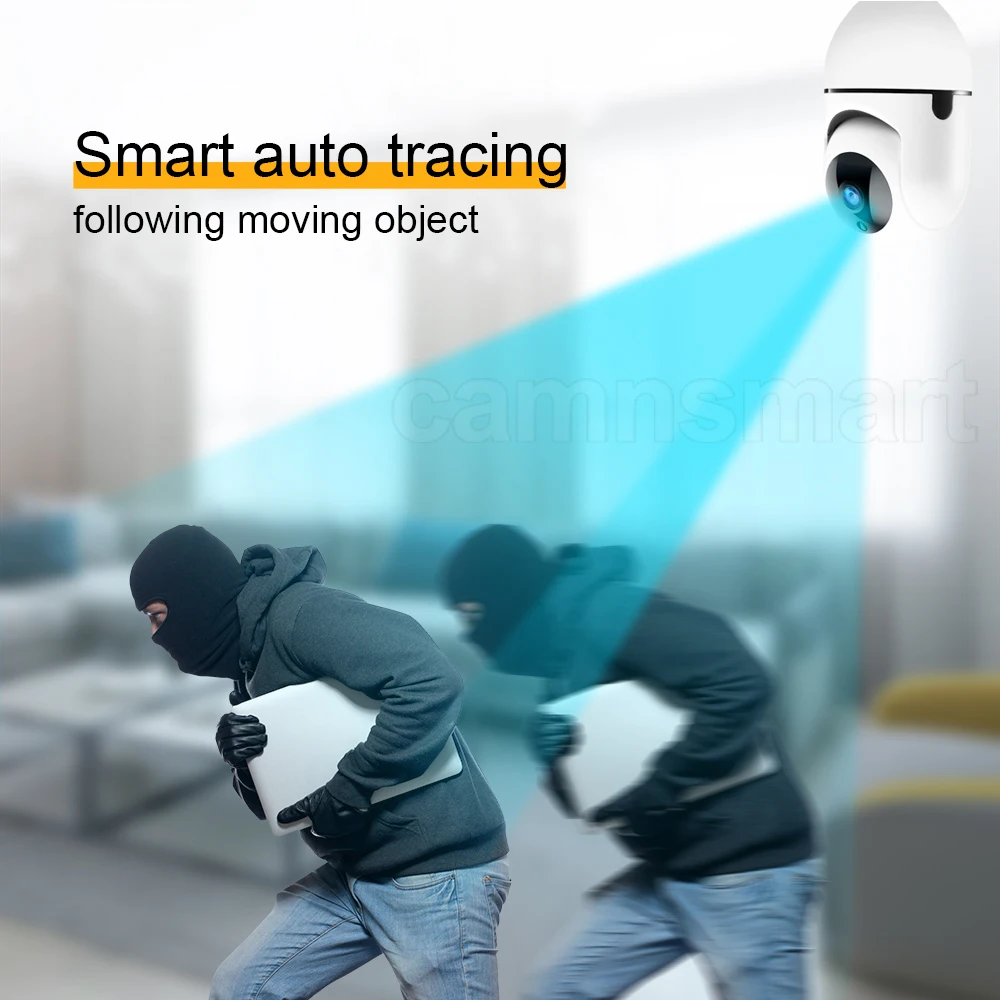
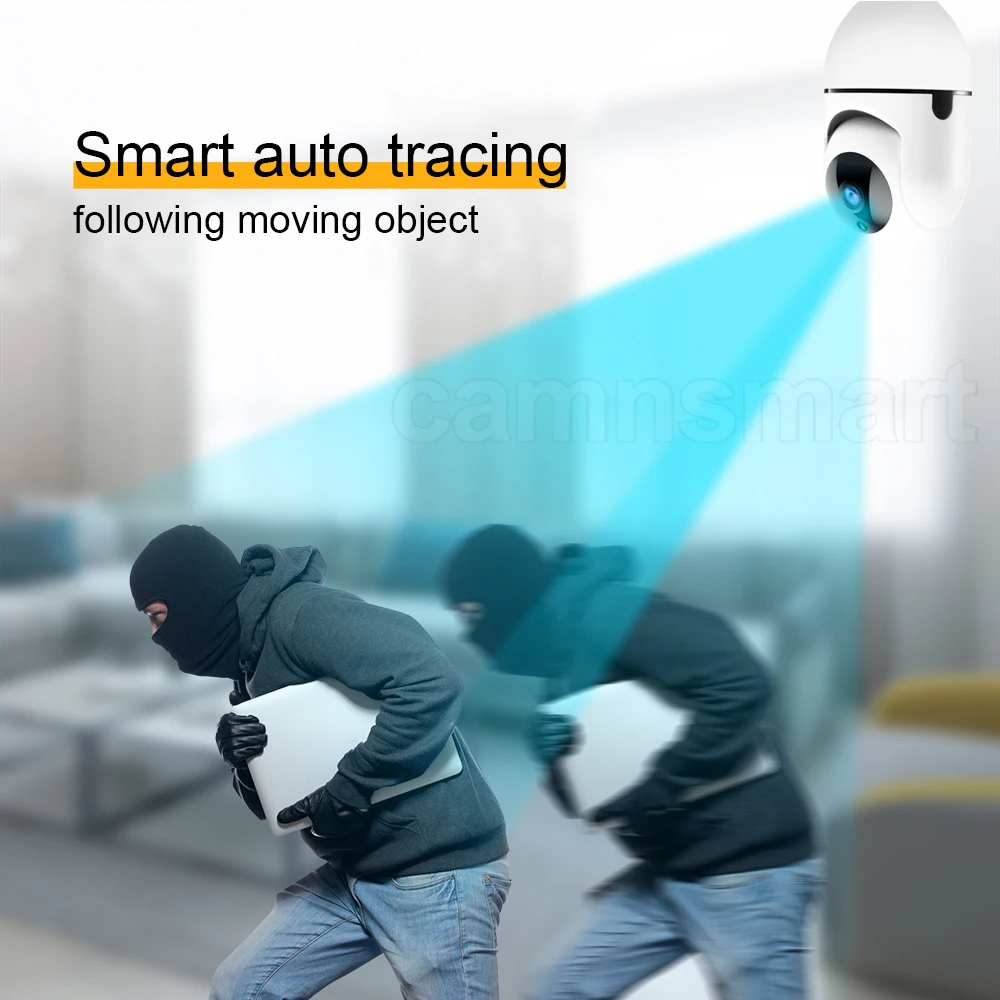
5. Smart auto tracing
Once it detects someone, camera will automatically following the moving object and record it.
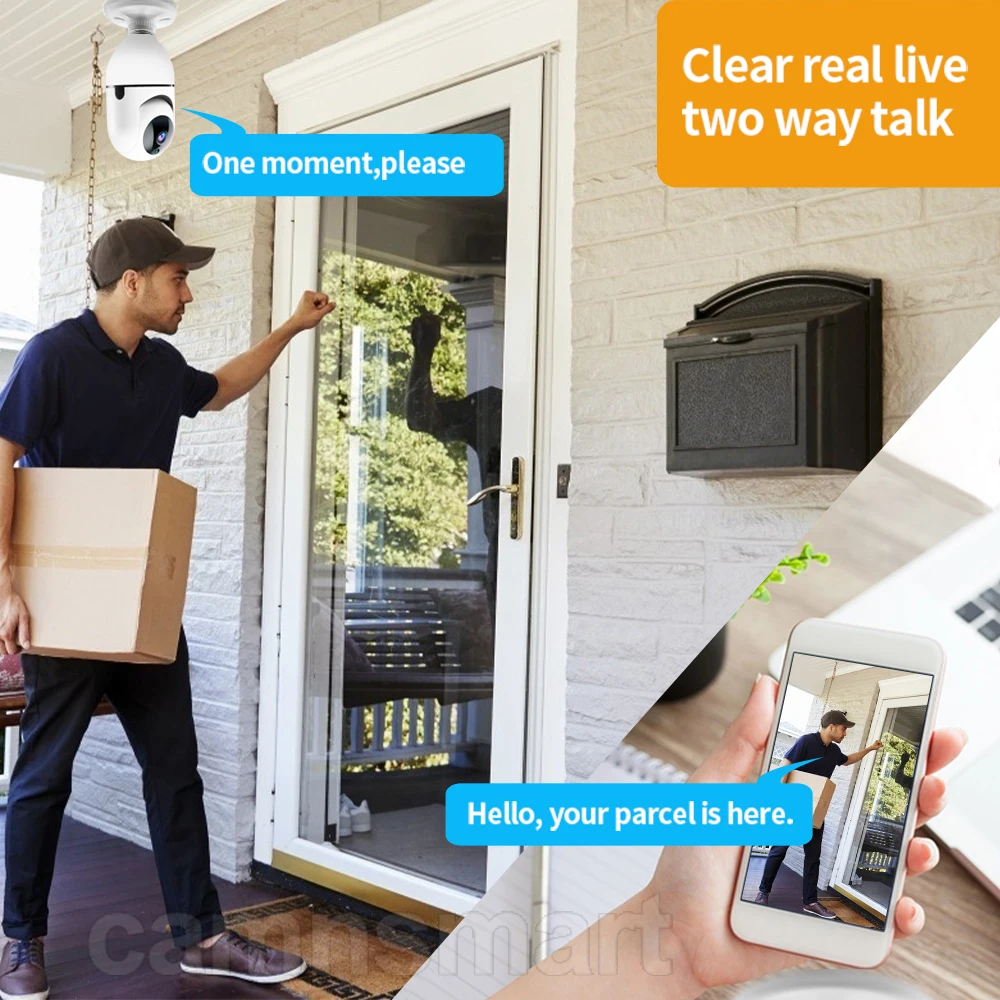
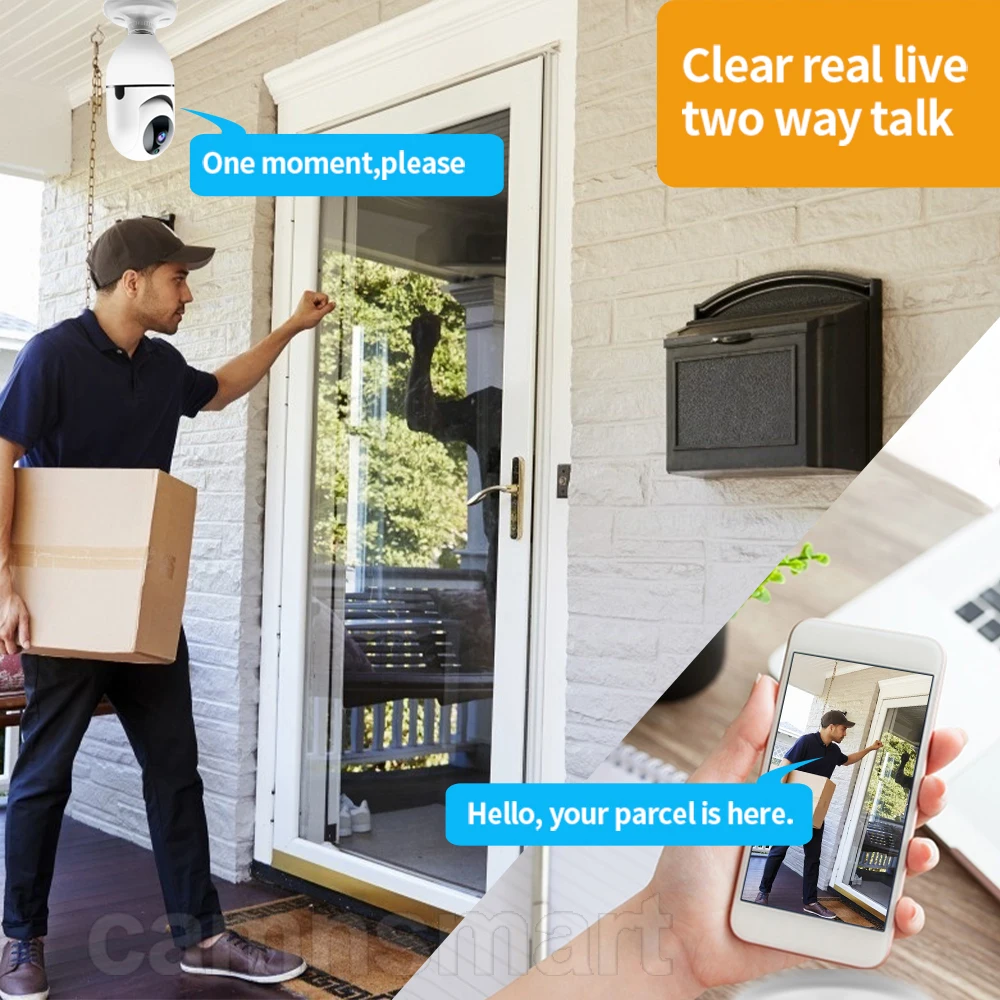
6. Clear two way talk.
Equipped with anti-noise microphone and speaker, Enjoy the convenient communication when you're resting or busy.
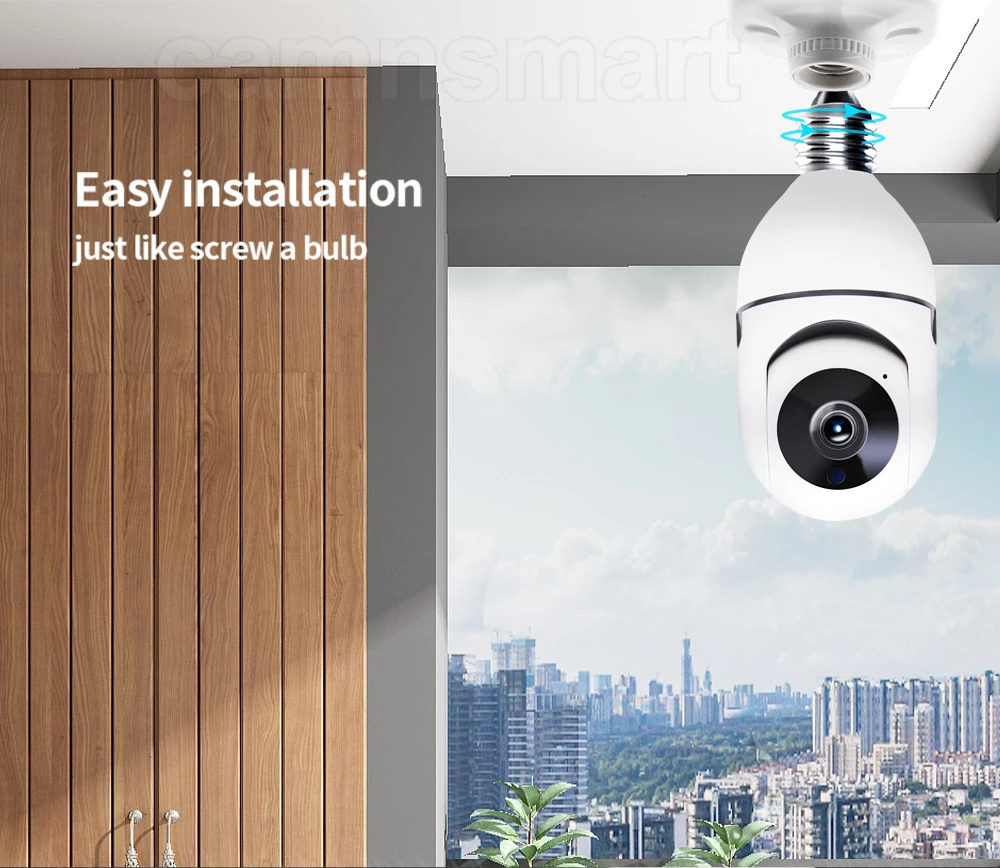
7. Easy installation, just screw it like a bulb, no need break wall and no more screws.
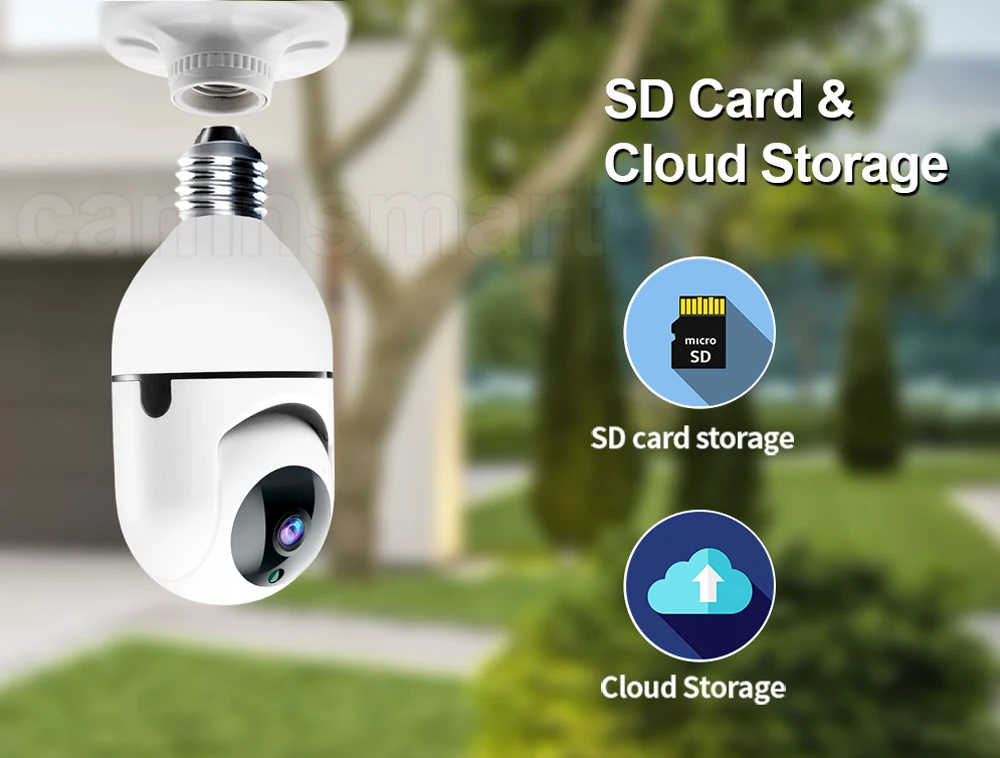
8. Support max 128G Micro SD card & Cloud storage, view the playback anytime and anywhere in your cellphone.
9. Use AES 128-bit Encryption, don't worry about your privacy leakage problem.
10. Equipped with high performance WIFI module and antenna
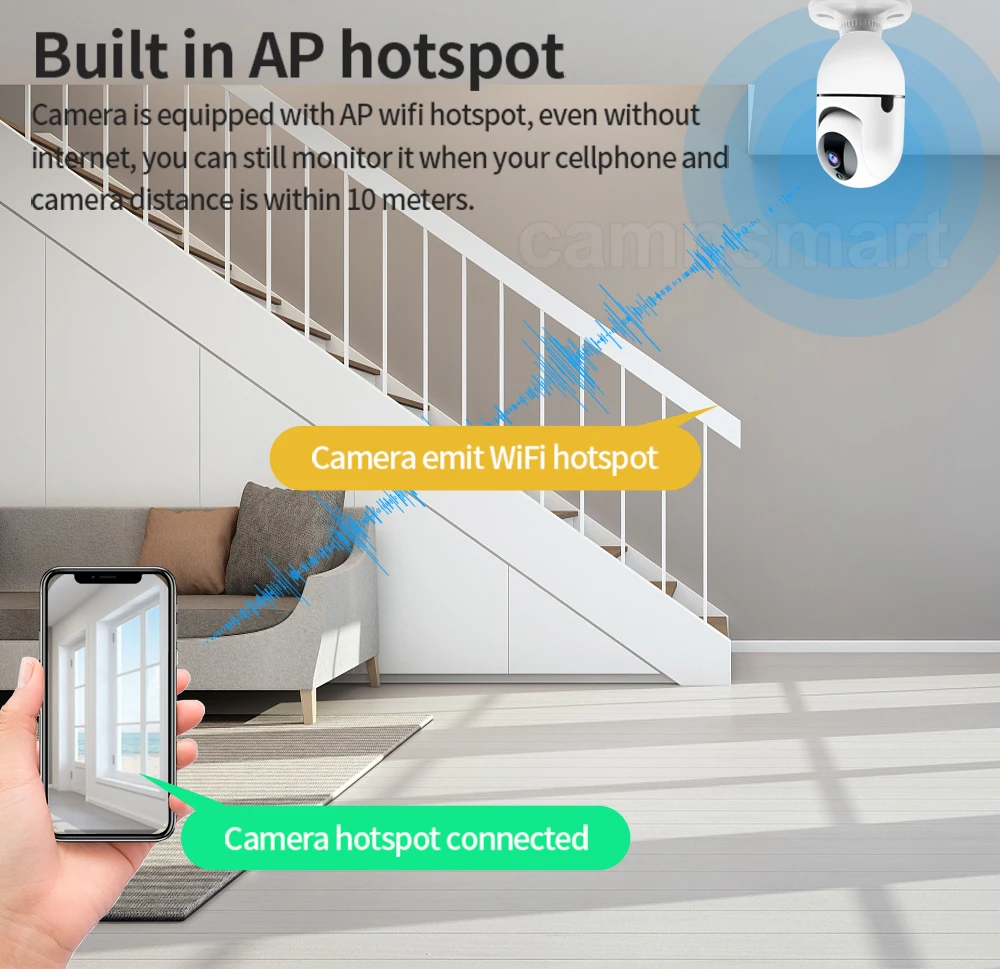
What if without wifi?
You can use the AP hotspot conncetion method, even without wifi, you can still connect it and view.
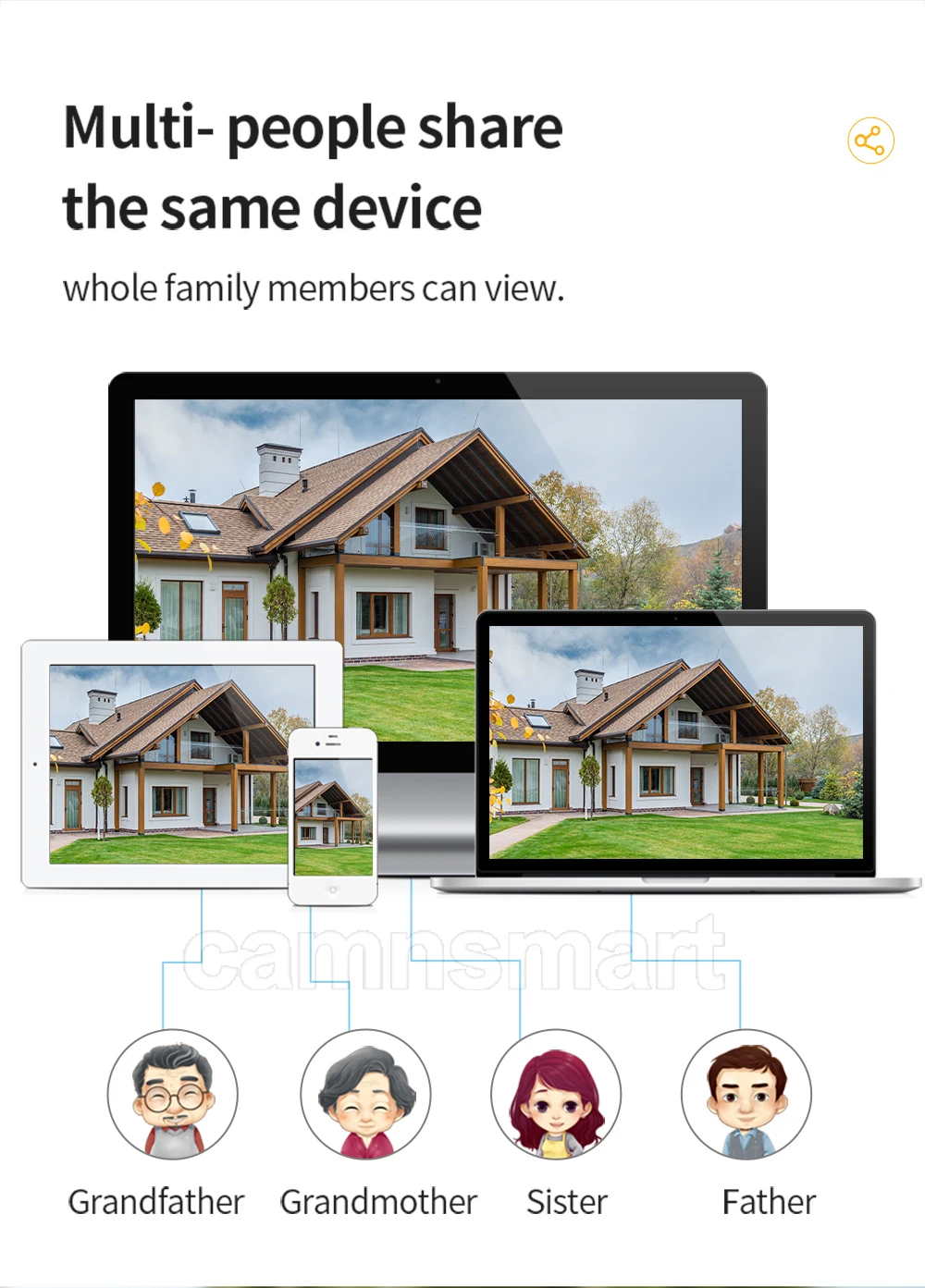
11. One device, shared With all family. Support IOS, Android , cellphone and PC webpage view.
One account can add many devices in your cellphone, so you can use many devices at the same time.
12. Ready stock, some countries will arrive in 10-15 days.

13. FAQ
Q: How long is the warranty?
A: All goods have been checked before dispatch. Warranty for 1 years, lifetime technical service.
Q: After-sales services ?
A: 1. All goods will be inspected and tested before shipment.
2. Customer's satisfactory is most important to us. If you have any problem or questions regarding our transaction, feel free to contact our service team.
Q: What's the camera's APP?
A: This camera use Ycc365plus APP. You can download it in APP Store, it can used in IOS& Android.
10. Quick guide to connect Smart Camera
1. Use your mobile phone to scan the QR code on user manual or search app “ycc365 plus” in google play or app store to install it on your mobile phone. And create your account step by step.2. Please make sure you have ready your Wi-Fi router and remember your Wi-Fi router password.3. Please make sure you have connected your mobile to your Wi-Fi. Please also open your location on your mobile phone.4. Connect the camera to your power socket for power supply. 5. Wait about 30 seconds, the camera will rotate left-right and up-down. Then about 20 seconds later, the camera will say “Please configure your camera by AP hot spot or scanning code”. (Note: if the camera does not work in this step, please reset the camera. On the camera head, beside the SD card slot, you will see the reset hole. Use a pin to slightly long-press it for 3~5 seconds, till the camera voice “Reset success”. Release the rest button, then the camera will do step 5.)6. On the “YCC365 Plus” app, press “+” on the up-right corner. Select “Dome Camera”, then select “Device adding by scanning the code”. Press “Next”.7. On the step 3, you already connected your mobile to your Wi-Fi. So it automatically shows your Wi-Fi name. You just type in your Wi-Fi password, then press “Next”.8. A QR code will show on your phone screen. Place the QR code in front of the camera lens to let the camera read the QR code. You need to move the QR code slowly forwards or backwards 10cm ~ 30cm distance to the camera lens.9. Once camera read the QR code, it will sound “Di Di” and voice “please wait for Wi-Fi connecting” and voice “please wait for internet connecting”. Now press “Beep or flashing lights” button on app. Then just wait.10. Finally, the camera will voice “Internet connected, welcome to use cloud camera”. And your app will also shows connected. You can operate the camera on your mobile phone now.
11. How to use SD card for memory
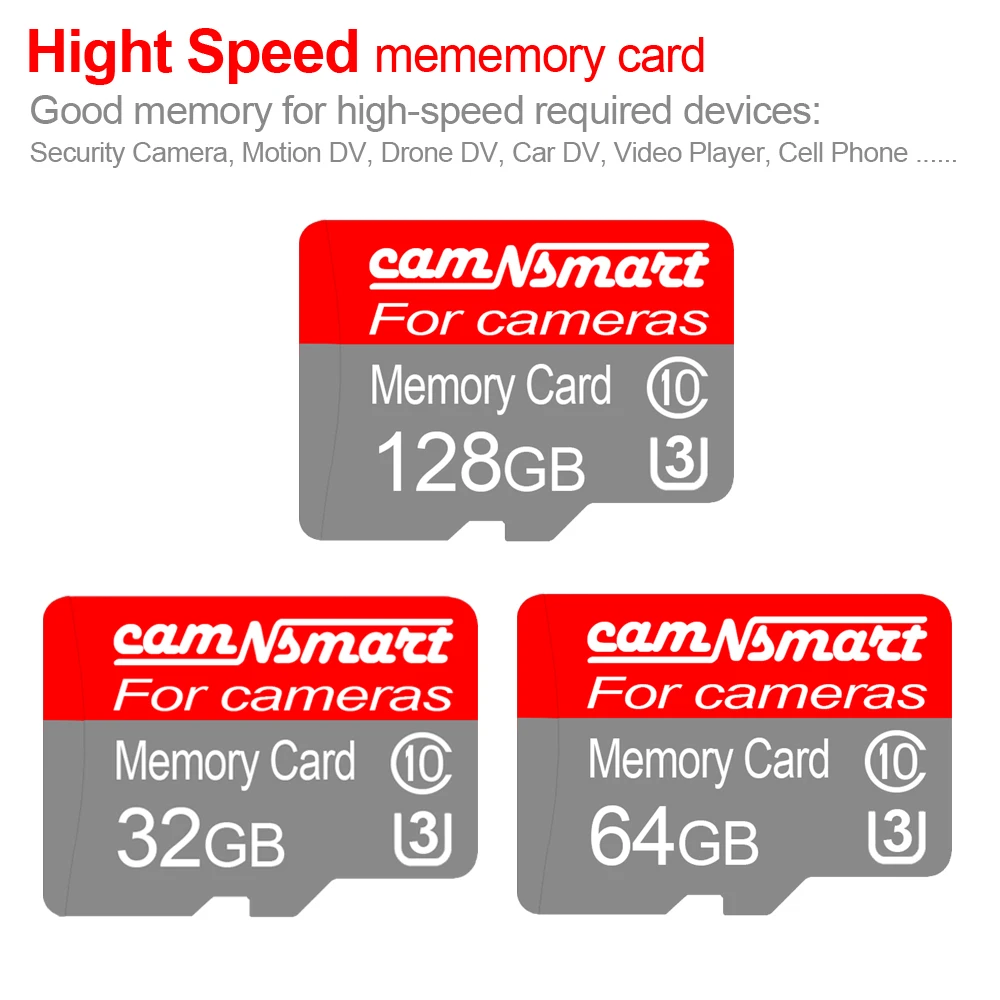
1. Because camera need to run for video stream. It require SD card with high speed reading and writing. So please use C10 (Class10) or higher speed SD card. U3 type will be preferable. (Note: Some old SD cards like 1GB, 2GB, 4GB just for storage or copy files use. They are not high speed writing & reading. Suggest to use latest 32G~128G high speed SD card.)2. Before using the SD card, format the SD card on PC.3. Disconnect electricity from camera. Then insert SD card into camera card slot. (Note: SD card must be put in camera before supplying power to camera. Otherwise, camera can not detect SD card.)4. Supply power to camera again.5. If your camera is already added on app, just wait about 2~3 minutes then refresh device list, camera will connect internet again. If your camera was not added on app, just follow the "Quick guide to connect Smart Camera" to add.6. On app, get to Settings / Memory card management, select recording modes "Alarm recording" or "Continuous recording".7. For the first to review playback on memory card, you need wait for about 15 minutes. Because it need time to process first video clip.Note: If you buy camera with SD card from our store, we already put it inside the camera.
Recommend to use Class10 U3 High Speed SD for Smart Camera




No comments:
Post a Comment